Install anywhere - Laptop, Single Instance or Cluster.
If a machine can run Docker, it can run Ziggy.
Ziggy Cluster supports extremely high loads and is fully fault tolerant.
And because its on your servers, your control all aspects of security and performance,

Simple Docker installation
Ziggy runs in a simple Docker container on the machine or infrastructure of your choice.
- Laptop
- Single Server
- Cluster
For fault tolerance with normal loads you can use small (2GB) instances. For performance, just add larger instances to your cluster.

What size server do I need?
In typical integration scenarios, Ziggy will run on a $12 a month 2GB server.
But when you need more performance, simply upgrade your servers - we won't charge a penny more when you do.

Level 1 Cluster
The basic Ziggy cluster can have two or more servers. One of them runs the database.
Level 1 is fine for testing scaling but is not fault tolerant if the database server goes down.
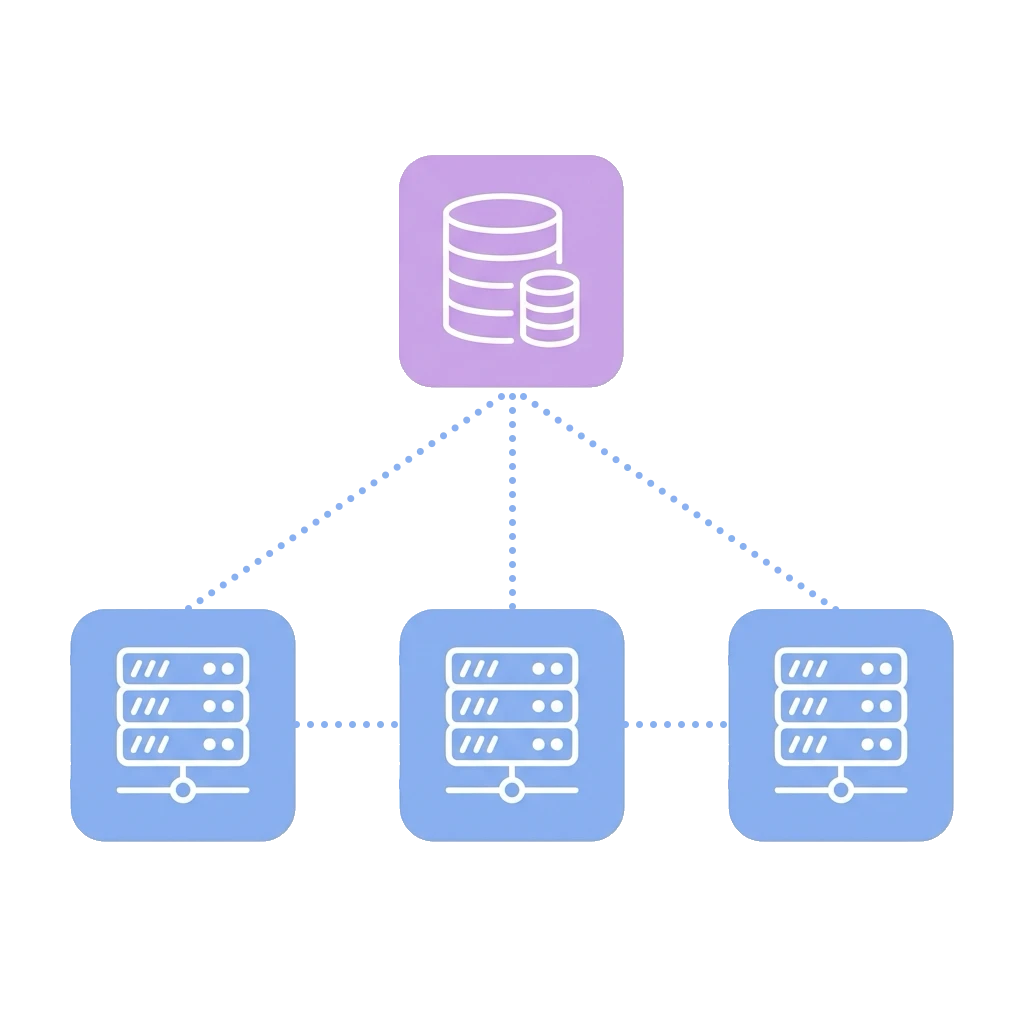
DocsLevel 2 Cluster
When you need both high performance and fault tolerance. The database can run in a managed service such as AWS RDS or in your own database cluster.
DocsMonitoring
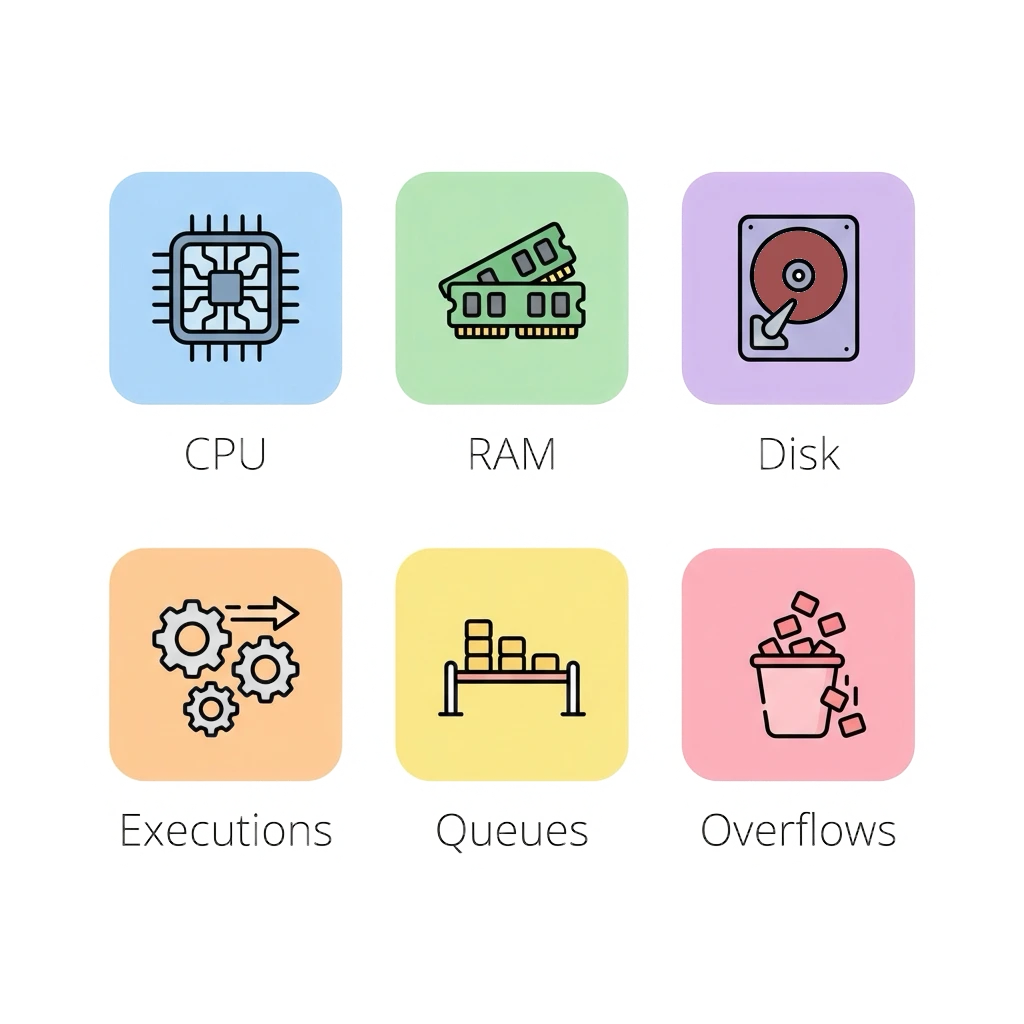
Ziggy comes with several monitoring tools for the system and individual servers.
System resources, flows per second, queue sizes, queue overflow to database can all be monitored in the UI in real time.
DocsLoad Testing
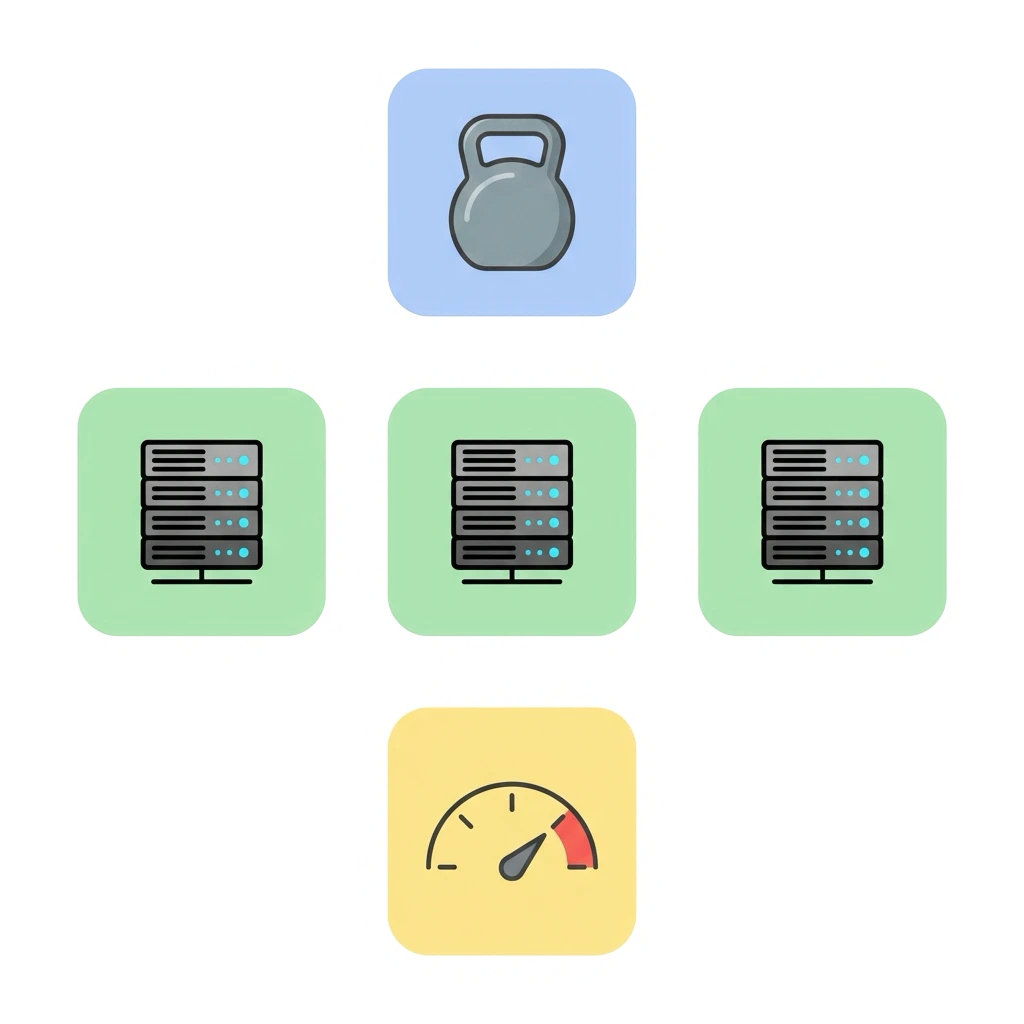
We even offer a built-in load tester where you can run Flows under expected and extreme conditions.
Use Ziggy monitoring to see exactly how the system and each server is performing.
Docs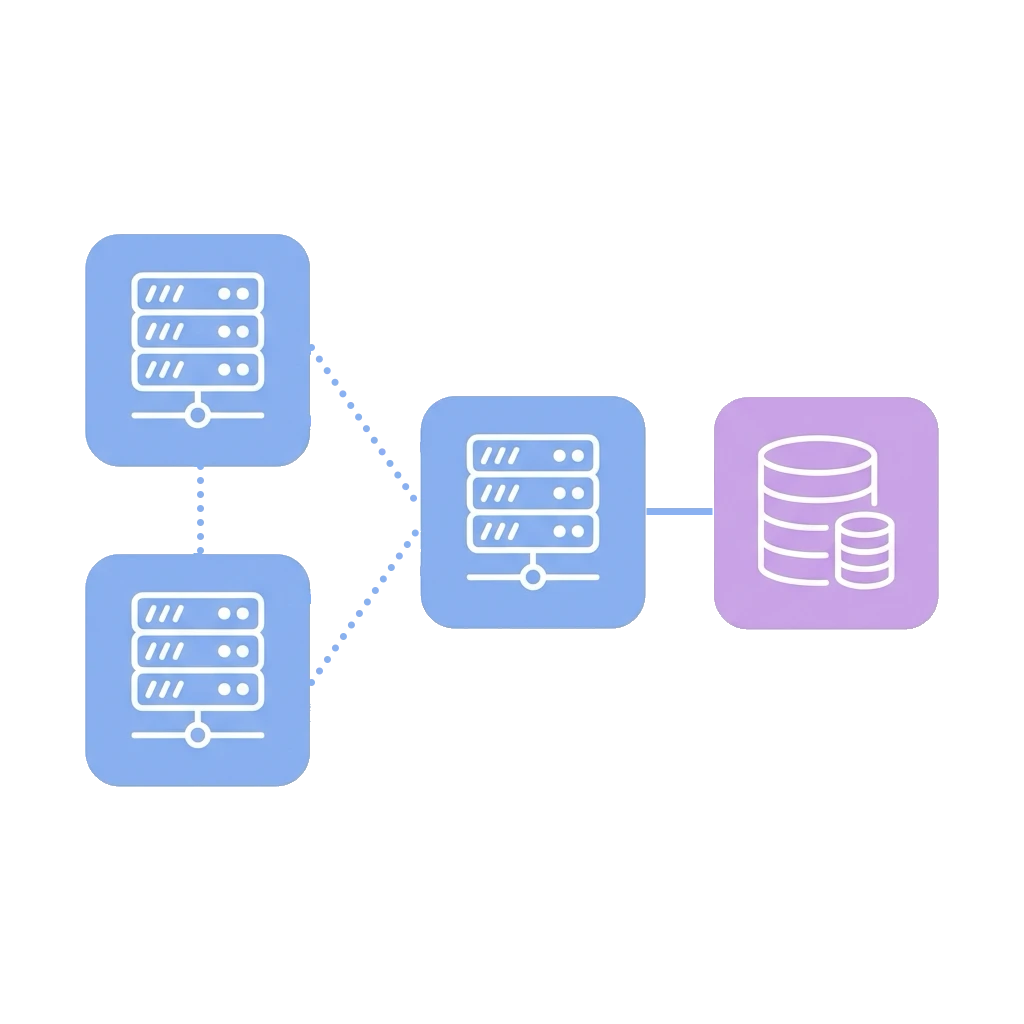
Level 1 Cluster
The basic Ziggy cluster can have two or more servers. One of them runs the database.
Level 1 is fine for testing scaling but is not fault tolerant if the database server goes down.
DocsLevel 2 Cluster
When you need both high performance and fault tolerance. The database can run in a managed service such as AWS RDS or in your own database cluster.
DocsMonitoring
Ziggy comes with several monitoring tools for the system and individual servers.
System resources, flows per second, queue sizes, queue overflow to database can all be monitored in the UI in real time.
DocsLoad Testing
We even offer a built-in load tester where you can run Flows under expected and extreme conditions.
Use Ziggy monitoring to see exactly how the system and each server is performing.
Docs